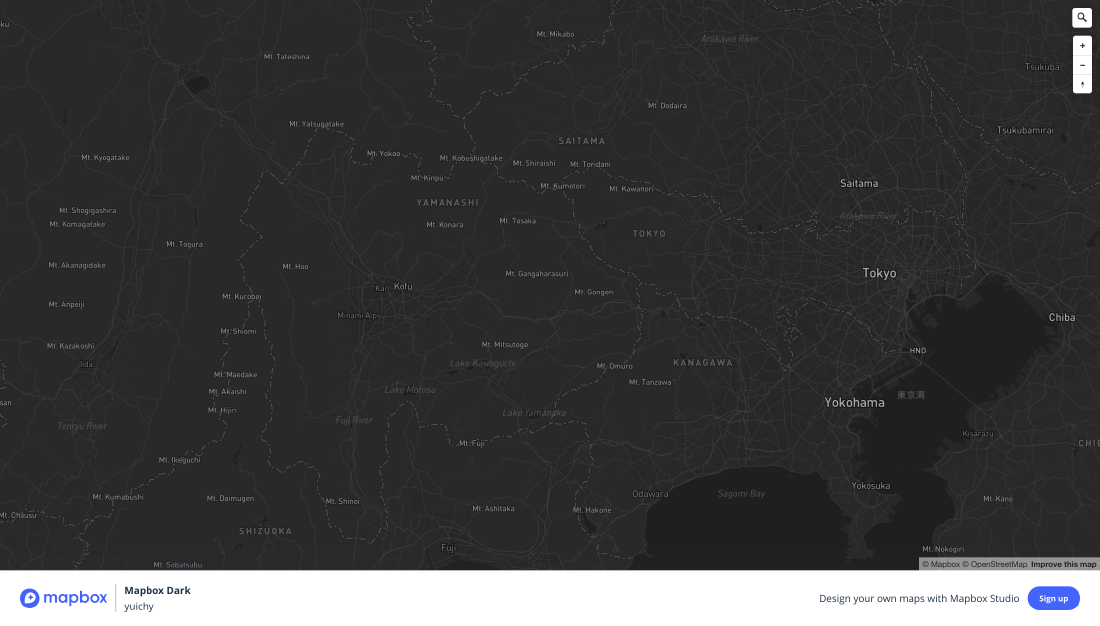
For some time, it has been possible to use map tiles and styles created in Mapbox Studio inside tools such as Kepler.gl and Foursquare Studio. In recent years, however, users have reported cases where specifying a Mapbox Studio style no longer displays the map and instead produces errors such as “Failed to load map style.”
The cause is related to changes on the Mapbox Studio side. This article summarizes why compatibility problems occur when Mapbox styles are used in other visualization tools.
What Changed
Mapbox styles, access tokens, source definitions, and platform-specific requirements have evolved. A style that previously worked as a generic style URL may depend on newer Mapbox-specific behavior, authentication rules, or resources that another tool cannot load directly.
Why Kepler.gl and Foursquare Studio Are Affected
These tools can consume external map styles, but they still need compatible sources, sprites, glyphs, and permissions. If the style references resources that require a Mapbox runtime, token scope, or newer style property support, the map may fail even though the style works inside Mapbox Studio.
Practical Checks
- Confirm that the style URL is publicly accessible or token-authorized.
- Check whether sprites and glyphs resolve outside Mapbox.
- Confirm that the tool supports the style specification version and properties used.
- Consider exporting or recreating the style in a MapLibre-compatible form when needed.
Summary
The issue is not simply that a style URL is wrong. It reflects the growing difference between Mapbox’s platform-specific style environment and the broader ecosystem of MapLibre, Kepler.gl, Foursquare Studio, and other tools.